
Google Reviews API, without the scraper

What you can do with the API
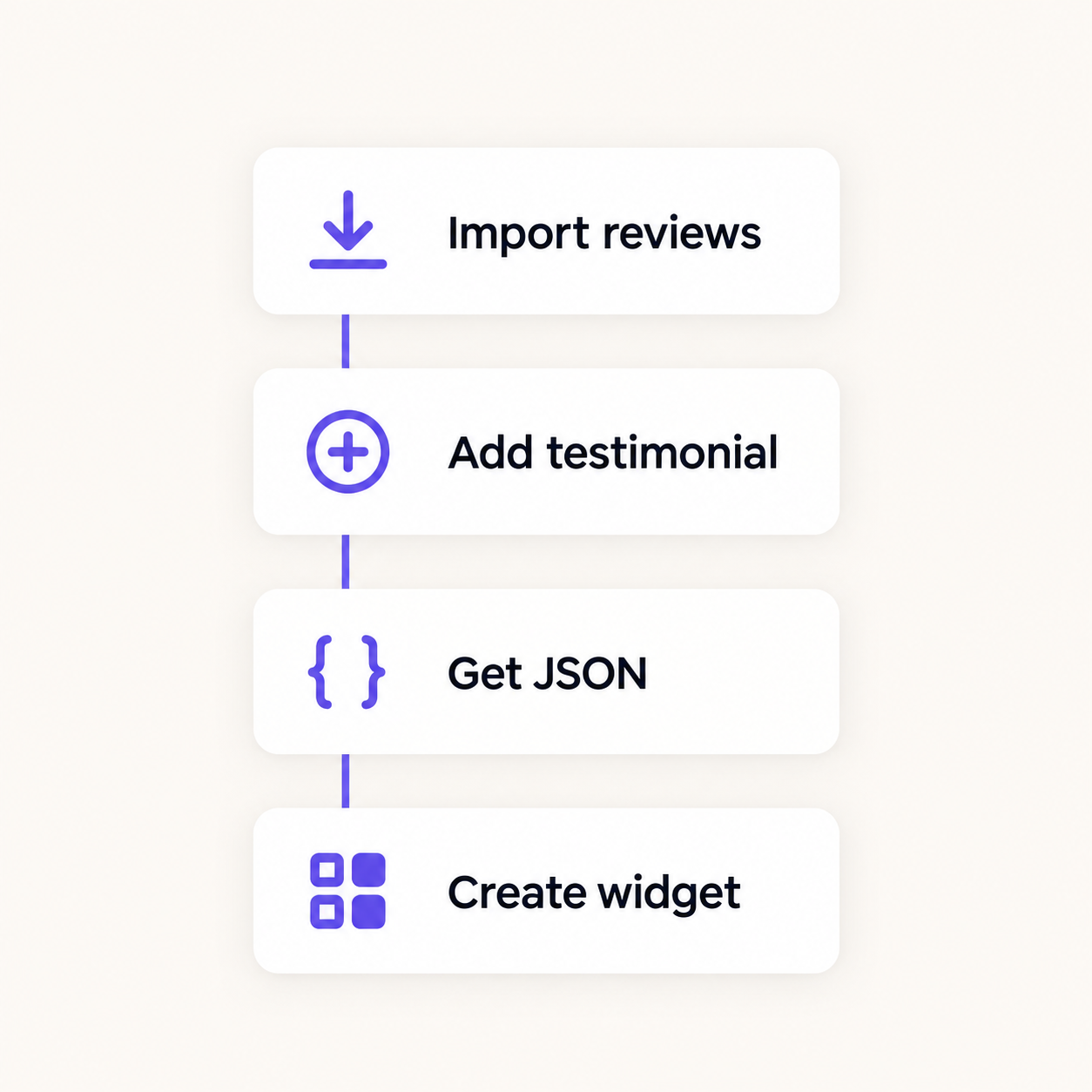
Four endpoints, all running against the same data as your dashboard. Each one is documented with examples in the Shapo Help Center:
- Import reviews from Google and other connected sources into your workspace.
- Add a testimonial from your own app, form, or onboarding flow.
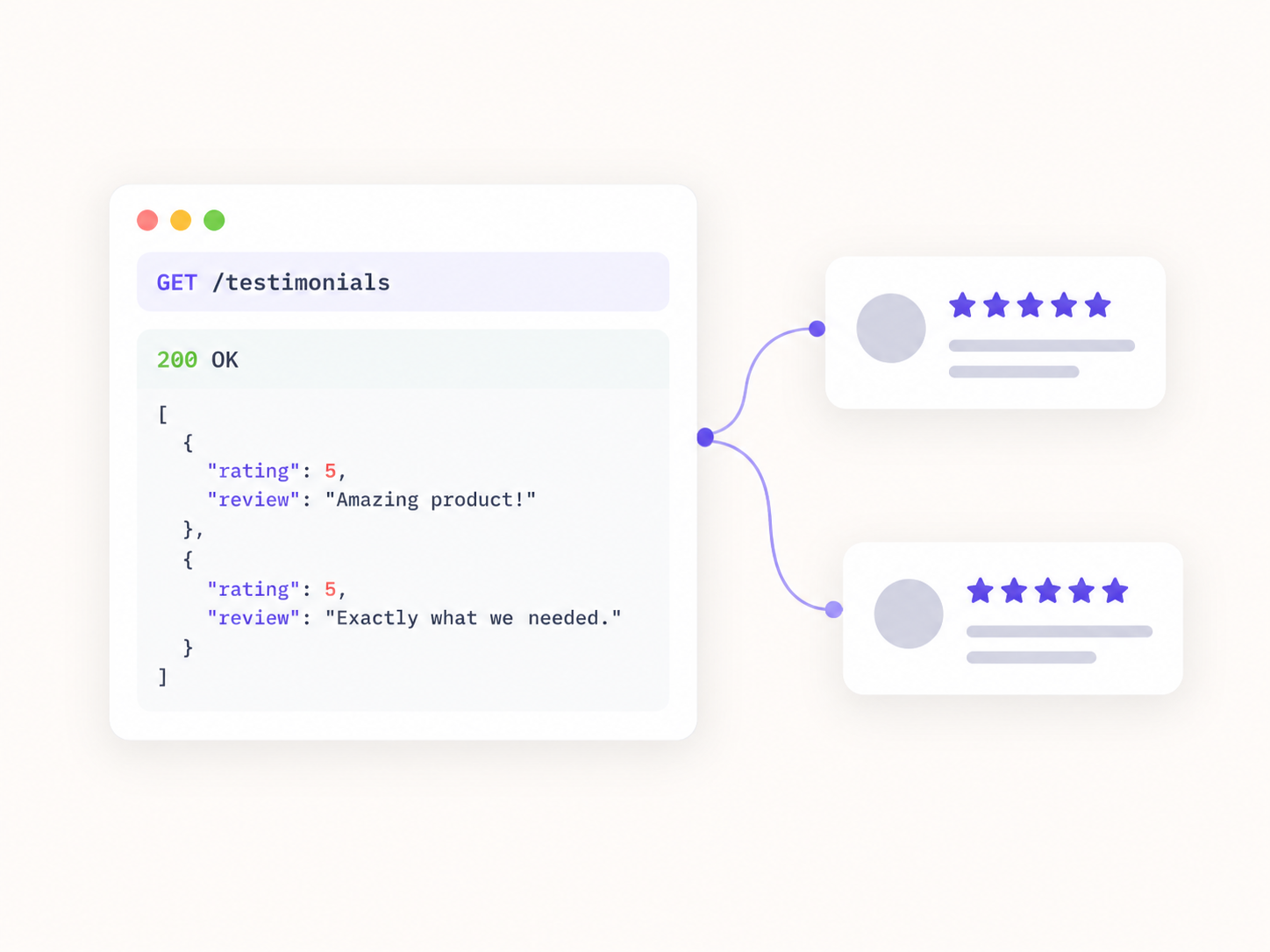
- Get your testimonials back as JSON and render them however you like.
- Create and configure widgets programmatically instead of using the dashboard.
Need the full reference? See the Shapo API documentation
curl "https://api.shapo.io/testimonials?size=10" \
  -H "Authorization: Bearer YOUR_API_KEY"
Frequently asked questions
Do I need a paid plan to use the API?
For imports and widgets, yes. Importing reviews and creating widgets through the API are on the paid Pro plan. On the free plan you can add testimonials and read your first 15 back as JSON, which is enough to wire up your app before you upgrade.
What can I do with the Shapo API?
Add testimonials, read them back as JSON, import reviews from connected sources, and create widgets. The same actions you can take in the dashboard, from your own code.
How do I authenticate?
Generate an API key in your workspace settings and send it with each request. Keys are scoped to a single workspace.
Can I create widgets programmatically?
Yes, on the Pro plan. You can create and configure widgets through the API instead of building them in the dashboard, which helps when you manage many sites.
Can I import Google reviews with the API?
Yes, on the paid Pro plan. The import endpoint pulls reviews from Google and the other sources Shapo connects to into your workspace. Call it again later to pick up new reviews.
Is this a review scraper?
No. Shapo connects to official sources where they exist, so there is no HTML parsing to maintain and nothing breaks when a page layout changes.
Can I build my own review display instead?
Yes. Read your testimonials as JSON and render them however you like, or use a Shapo widget if you would rather not build the front end.
Where are the API docs?
Full reference and examples live in the Shapo Help Center, covering how to add testimonials, get testimonials, import reviews, and create a widget.
Does it work with any language or framework?
The API is plain HTTP and returns JSON, so it works with anything that can make a request.
What happens to reviews I import?
They land in your workspace alongside testimonials collected through forms, so you moderate and display them the same way.


Try it, then pick a plan



Solutions
Google Review Widget Review WidgetsReviews Grid WidgetSingle Review Widget Reviews Carousel Widget Multi Carousel Review Widget Review Badge Widget Reviews Marquee WidgetReview List Widget Floating Review Toast Video TestimonialsReview Sources